
Premium IPTV Subscription for Europe & New Zealand
Watch 20,000+ live channels and 80,000+ movies & series on Smart TV, Fire TV, Android TV, mobile and more.
IPTV Subscription Plans & Pricing
Choose the subscription duration that fits your needs. Every plan includes the same core IPTV access, with different billing periods and long-term value.
6 Months + 1 Free
7 months total access
1 bonus month included
12 Months + 2 Free
14 months total access
2 bonus months included
What’s Included in Your TODIPTV Subscription?
Your subscription combines live television, on-demand entertainment and multiple picture-quality options in one service. Each topic has its own dedicated guide when you need more detail.
20,000+ Live TV Channels
Browse live television across entertainment, news, sports, kids and international categories. Explore the channel guide.
80,000+ Movies & Series
Access an on-demand library of movies and television series across multiple genres. See the movies and series guide.
HD, Full HD & 4K Where Available
Available picture quality depends on the channel, content, device and connection. Compare HD, FHD and 4K.
Channel availability, on-demand titles and picture quality can change over time.


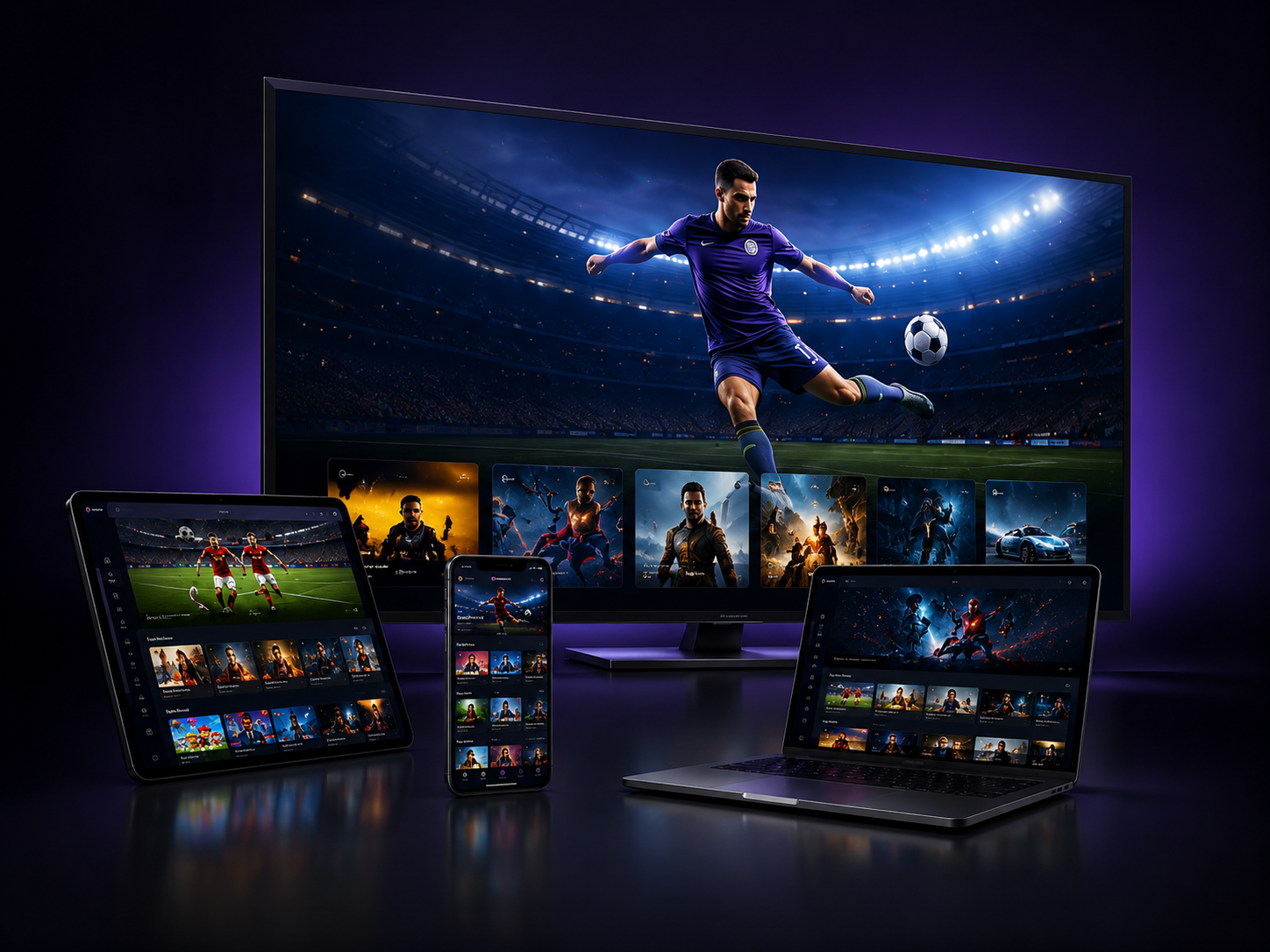
Watch IPTV on the Devices You Already Use
Device compatibility and installation are separate tasks. Choose your device first, then follow the setup path for the compatible player on that platform.
How TODIPTV Subscription Activation Works
The subscription provides the access details. A compatible IPTV player is the application that loads those details on your device. Keeping those two concepts separate makes setup easier to understand.
Choose a Plan
Compare the current durations and select the option that matches how long you want access.
Confirm Your Order
Send the selected plan through WhatsApp and confirm the order details.
Receive Access Details
Once the order is completed, use the supplied access information with a compatible player.
Configure Your Device
Follow the device-specific setup guide and complete the network checks if needed.
Regional IPTV Guides for Europe & New Zealand
Use the regional guides for country-specific device, network and viewing context. Start with the country that matches where you watch, then use the city guides inside that country when you need more local detail.
IPTV Netherlands
Find Netherlands-specific guidance for compatible devices, home-network setup, Dutch and international viewing, and troubleshooting.
Open the Netherlands guideIPTV New Zealand
Find New Zealand-specific guidance for Smart TV and streaming devices, broadband conditions, setup and viewing across local time zones.
Open the New Zealand guideMore European Markets
Browse the regional hub for the United Kingdom, Germany, France, Spain, Italy, Nordic markets and other supported locations.
Explore all locationsSupport Before and After Setup
Use the support route that matches the task instead of searching through unrelated pages.
Frequently Asked Questions
What is included with a TODIPTV subscription?
The current offer includes 20,000+ live channels and an 80,000+ movies and series library, with quality depending on the source, device and connection. Review the channel information for more context.
Which devices can I use?
TODIPTV supports multiple compatible device categories including Smart TV platforms, Fire TV, Android TV, Apple TV and computers. Start with the device hub.
Do I need an IPTV player?
Yes. The subscription provides access details, while the compatible player loads those details on your device. See the player vs provider guide.
What internet speed do I need?
Required bandwidth depends on stream quality and network conditions. Use the internet speed guide instead of relying on one universal number.
Can channel availability change?
Yes. Channel, VOD and quality availability can change over time and by source.
Where do I go if IPTV is buffering or not loading?
Start in the troubleshooting hub, which routes you to buffering, freezing, login, EPG and playlist-specific fixes.
Choose Your TODIPTV Plan When You’re Ready
Compare the available durations, confirm your device compatibility and use the setup guides if you need help before ordering.
Premium IPTV subscription information, device guidance, setup help and market-specific viewing guides for Europe, the Netherlands and New Zealand.